Verified data. One set of fields.
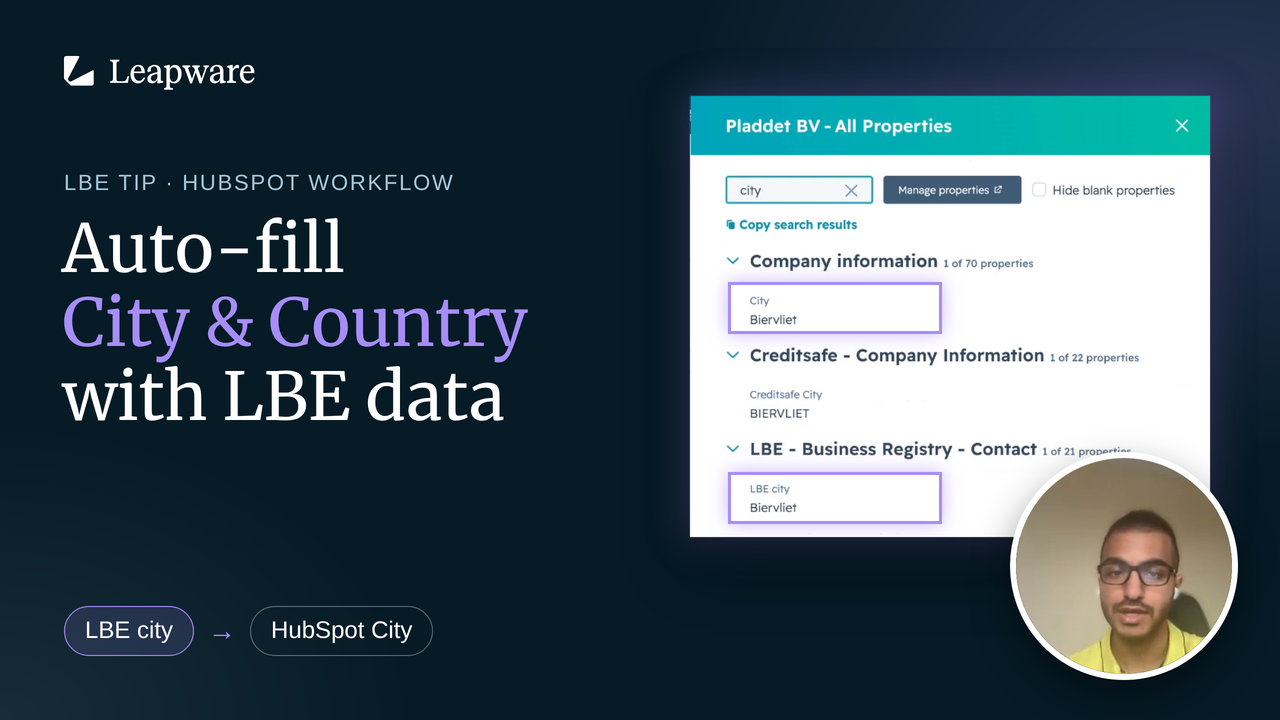
When you link a company with Business Essentials, the registry data lands in LBE properties such as LBE city and LBE country. HubSpot's own City and Country/Region fields stay as they were, and those are the fields most lists, reports and integrations read.
A company-based workflow closes that gap. It enrolls companies where City or Country/Region is empty but the LBE value is known, and uses an Edit record action to copy LBE city into City. Clone the action for Country/Region, turn on re-enrollment so later changes follow, and include the companies that already meet the criteria when you switch it on.