Match in bulk. Report when you need it.
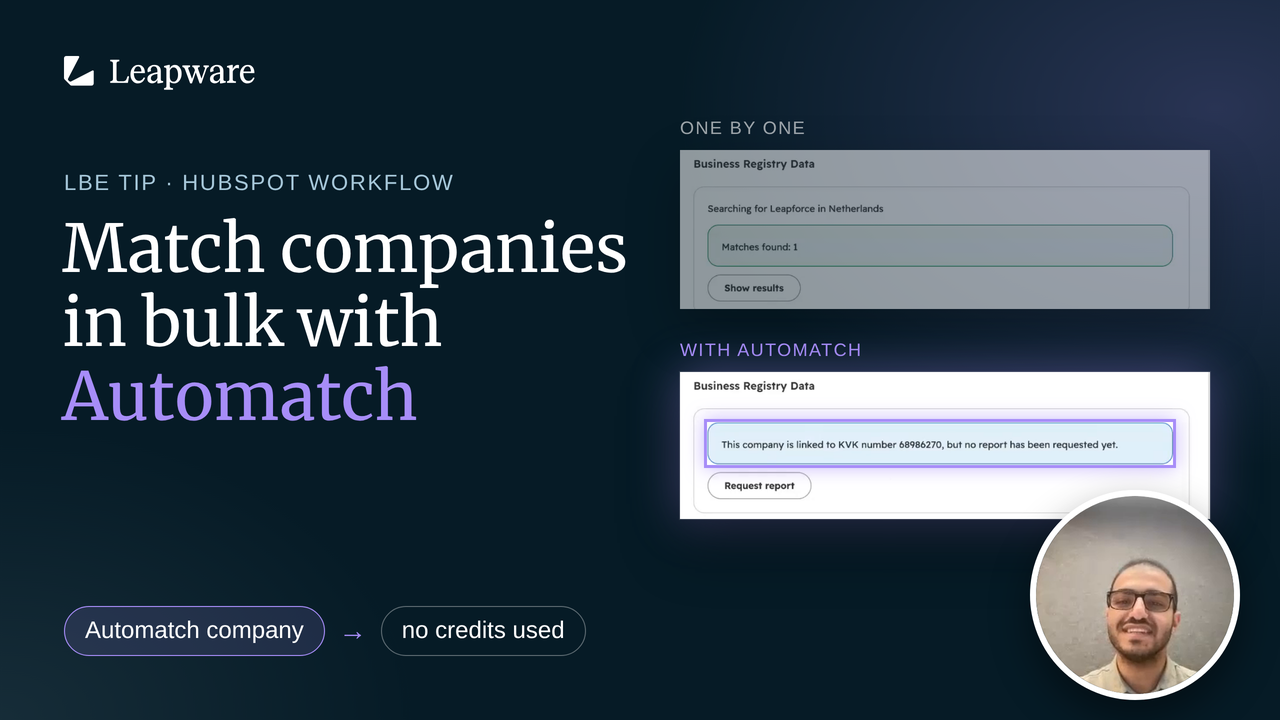
The Automatch company workflow action looks up each enrolled company in the business registry by name and address. When the result points to exactly one company, it stores the LBE registration number on the record. It uses no credits and creates no report: you request the report yourself when you need it.
Build a company-based workflow, add Automatch company and map the company name, plus postal code, street address or a known KvK number if you have them. Matched companies show that they are linked to a KvK number. When there is more than one possible match, the company stays unmatched and you pick the right one under Show results.